1. 상황
CUI 모드에서 웹서버 설치 후 Host PC에서 index.html에 접속하려던 상황
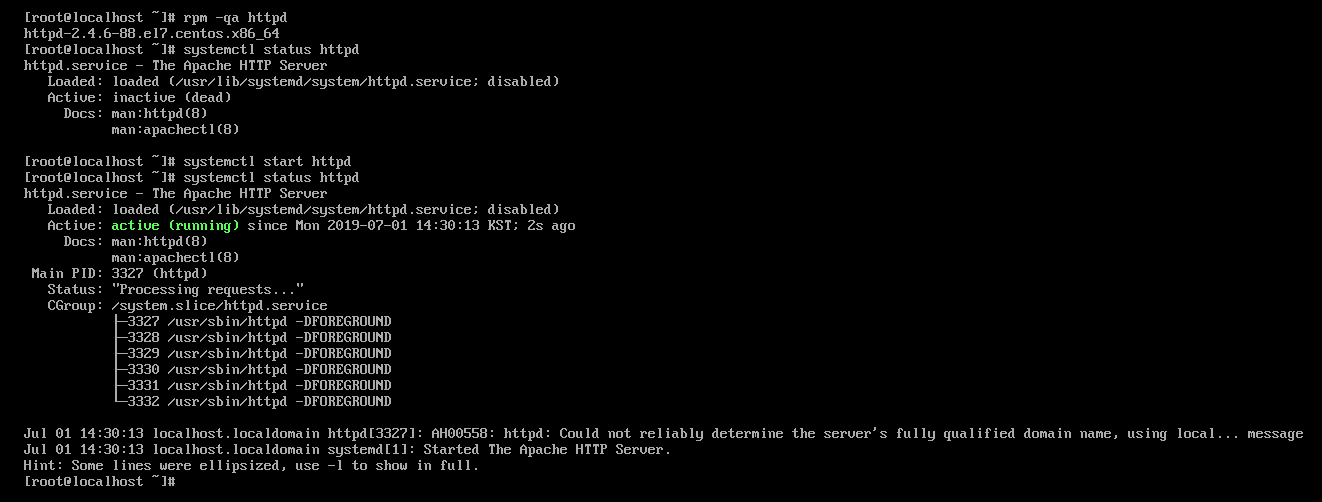
rpm -qa httpd를 통해 웹서버 설치유무 확인 > 설치됨
systemctl status httpd > 웹서버 작동현황 파악 > inactive (활성화 안됨)
systemctl start httpd > 웹서버 활성화
systemctl status httpd > active (활성화 확인)
웹서버 접속을 위해 ifconfig
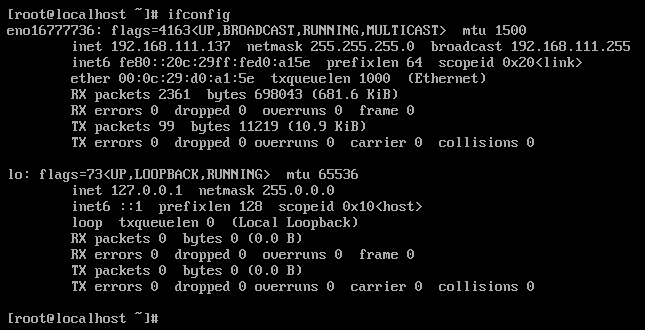
ip주소: 192.168.111.137
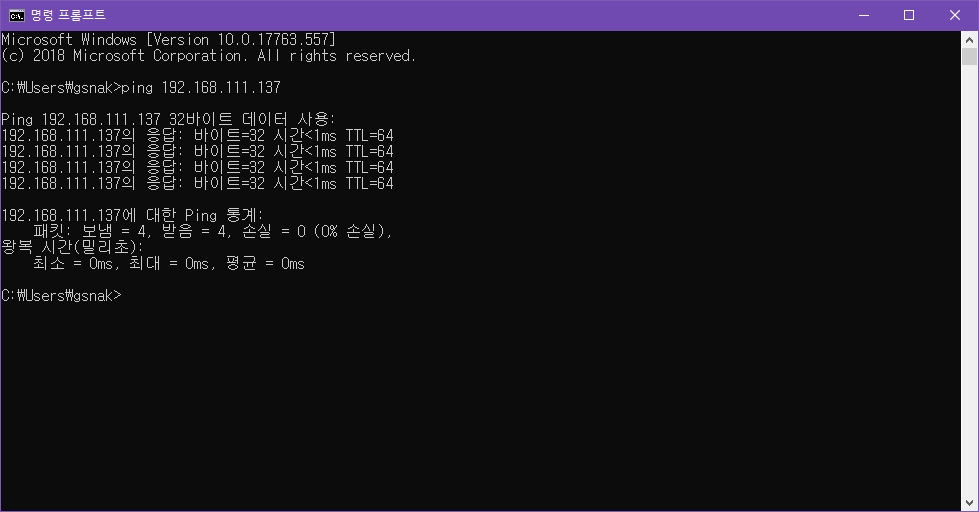
Host PC에서 웹 브라우저를 통한 접속시도 > 응답없음
nmtui
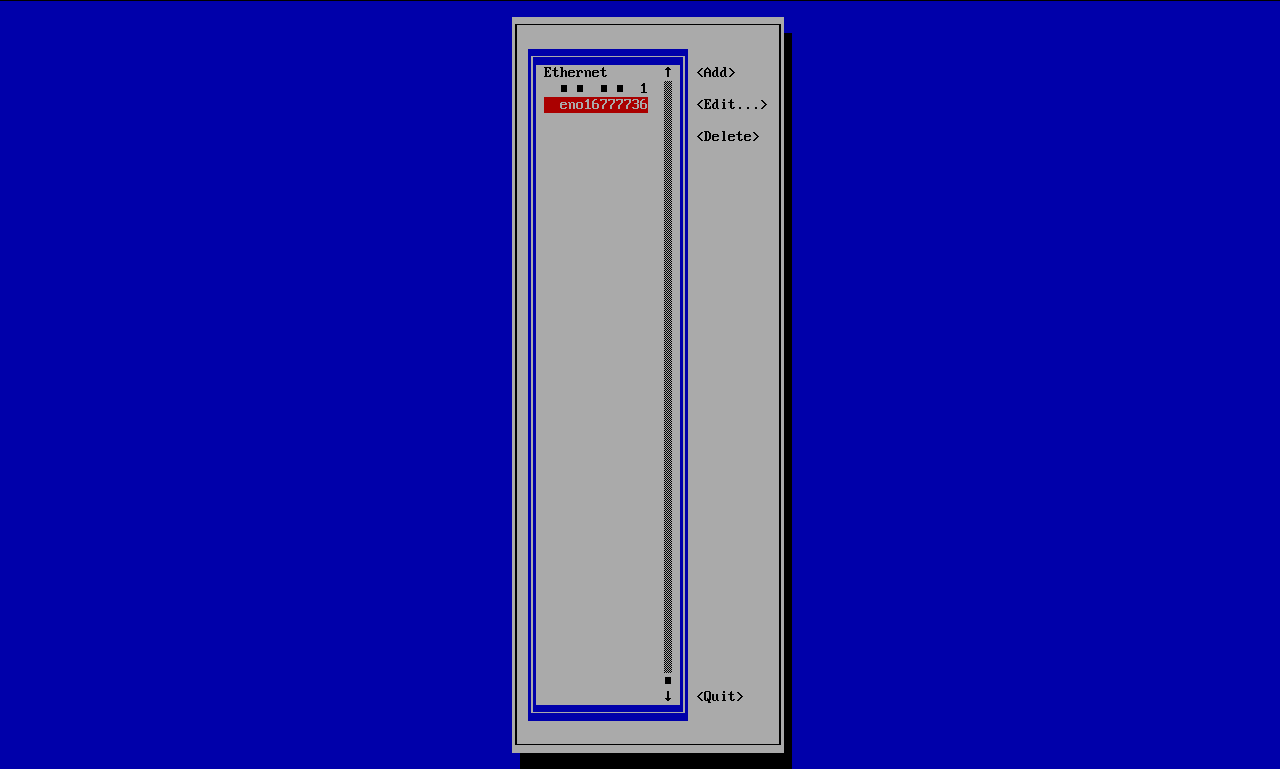
일단 eno16777736부터 확인
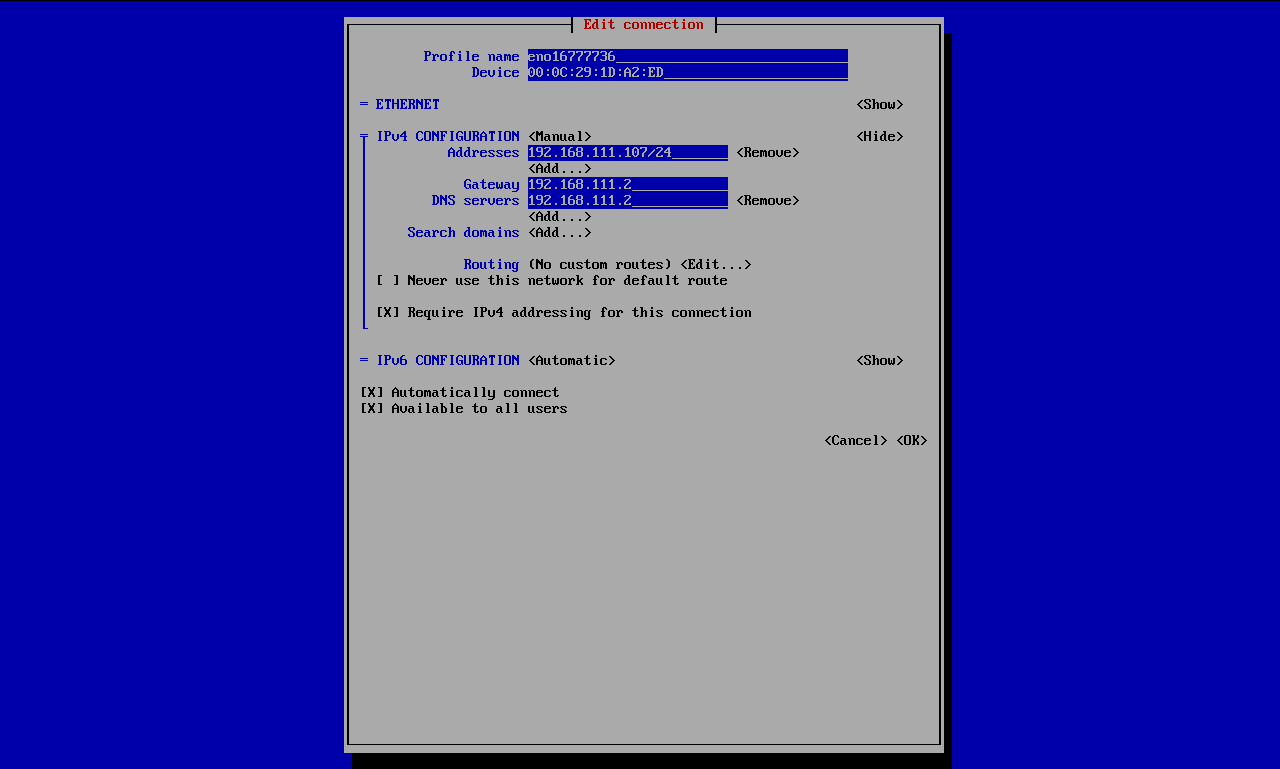
ip주소가 192.168.111.107이다. 이상하다.
DNS가 잘못 입력되어 있다. 일단 수정
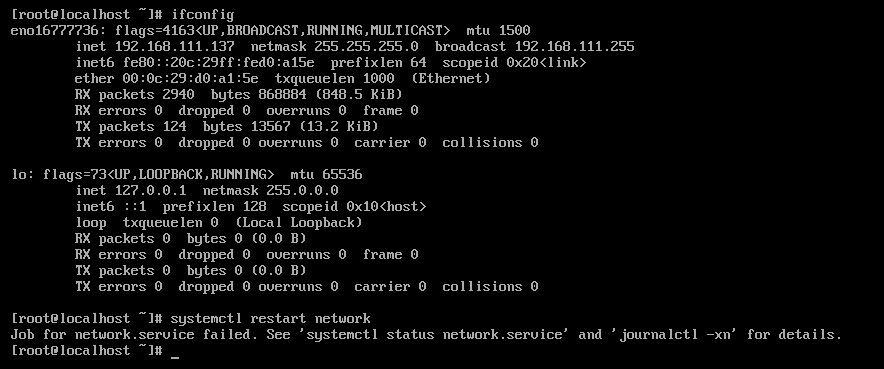
일단 systemctl restart network에서 문제 발생
그리고 nmtui를 통해 봤을 때 읽을 수 없던 문자의 이더넷은 eno16777736으로 이름이 동일했지만 MAC 주소가 달랐다.
이상한 것을 nmtui에서 지우고 다시 ifconfig

systemctl restart network
> Job for network.service failed. See 'systemctl status network.serivce' and 'journalctl -xn' for details.
그대로 구글 검색했더니
https://nowordeath.tistory.com/139
CentOS 7 네트워크 안될 경우 (2) systemctl restart network가 안될 경우
systemctl restart network 했는데 Job for network.service failed because the control process exited with error code. See "systemctl status network.service" and "journalctl "xe" for details. 라는 문구..
nowordeath.tistory.com
재부팅이 답이라고 한다. 재부팅을 하니
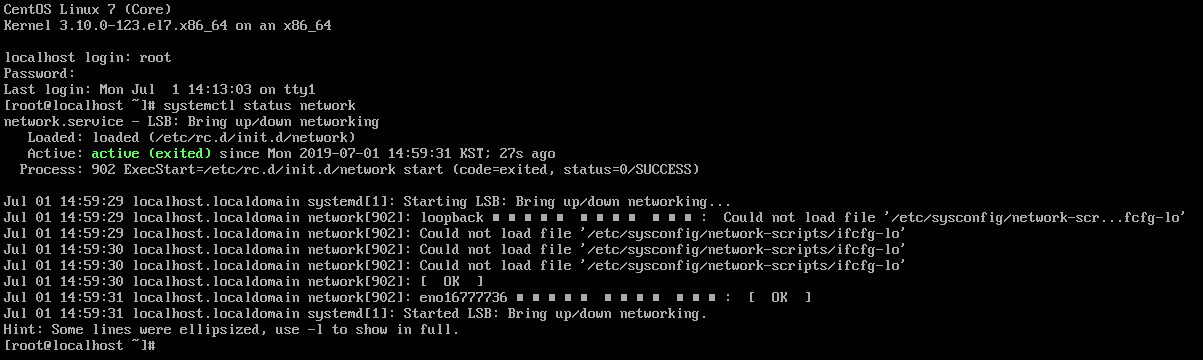
그래도 웹서버 접속은 안된다.
그런데 일시적인 해결이지 계속 이게 나온다.
Job for network.service failed. See 'systemctl status network.serivce' and 'journalctl -xn' for details.
중지